Convert M4A to MP3 — Offline
M4A is Apple's default audio container (used by iTunes, Voice Memos, AirDrop). MP3 is the universal audio format — supported by every player, browser, and OS made in the last 25 years. Drop your M4A files onto MiniMax Converter and convert to MP3 in one click, in batch, entirely offline.
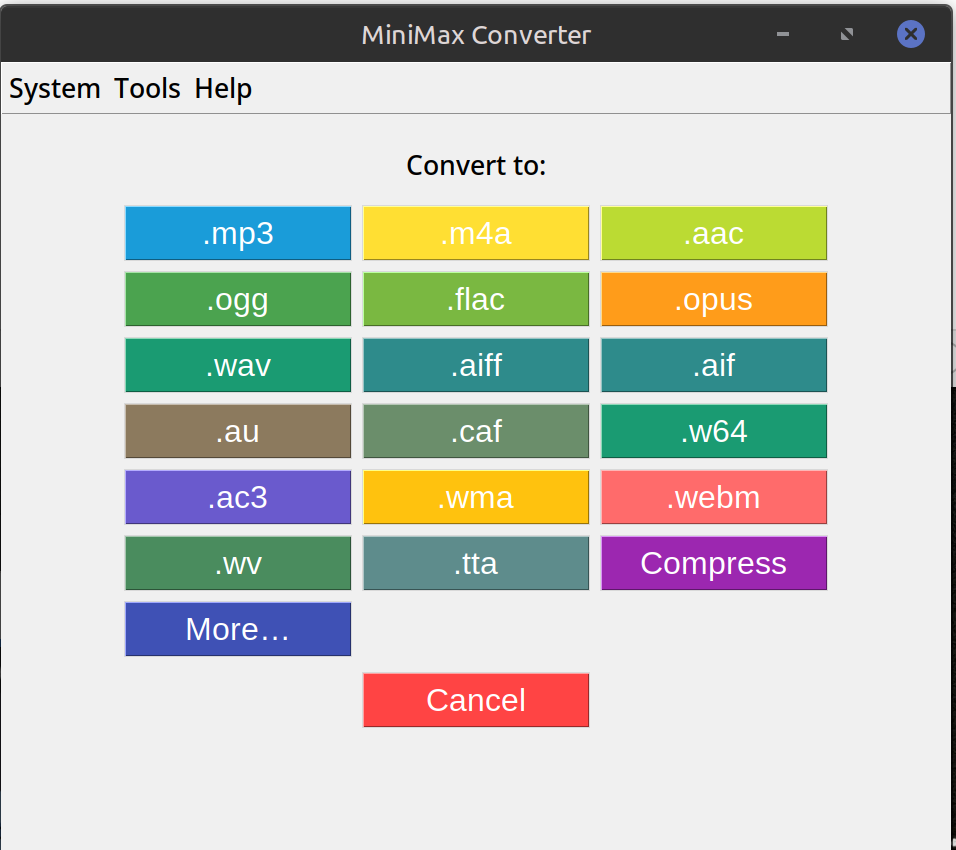
How to convert
- Drop one or more M4A files (or a folder containing M4As) onto MiniMax Converter.
- Pick MP3 from the format chooser.
- Choose bitrate — VBR-V0 (~245 kbps avg, recommended) or fixed 320 / 256 / 192 / 128 kbps.
- Save. The MP3s land next to the source files.
Quality notes
M4A is typically AAC-encoded, which is more efficient than MP3 — so a 192 kbps M4A sounds roughly as good as a 256 kbps MP3. Converting M4A→MP3 is a lossy → lossy transcode; pick VBR-V0 or 320 kbps to minimise quality loss. If you don't need MP3-specific compatibility, consider keeping the M4A or converting to FLAC instead.
Why offline?
Online converters limit file size and queue you behind paying users. Local conversion runs at SSD speed and handles any file size; a folder of 500 voice memos converts in under a minute.
Questions and answers
Will it preserve ID3 tags (artist, album, …)?
Yes — M4A metadata is mapped to ID3v2 tags on the output MP3.
What about Apple Lossless (ALAC) M4As?
Lossless source — convert to FLAC instead of MP3 to keep the quality. MP3 would be a lossless → lossy step.
Can I batch-convert a whole iTunes library?
Yes — drop the iTunes Music folder. The app walks the tree and converts every M4A to MP3 in parallel.
Does it work on iPhone voice memos?
Yes — iPhone voice memos are M4A. Convert to MP3 for sharing with non-Apple devices.
Related tools
Get MiniMax Converter
Cross-platform desktop app. Linux free for non-commercial use; Windows & macOS one-time €20 license. No subscription, no telemetry, no account.